E-Tax Invoices and E-Receipts for Thai SMEs: Choosing a System and Getting Started
Three ways to issue electronic tax invoices in Thailand: time stamp by email for businesses under 30 million baht, the full system, or a service provider. Steps, costs, and the double deduction.
In this article
Many Thai SMEs still print tax invoices, post them, and keep copies in binders until tax filing or an audit. That costs time on both sides. Documents get lost, arrive late, and customers pay late as a result.
The Revenue Department lets businesses issue tax invoices and receipts as electronic files with the same legal standing as paper. This article explains what e-tax invoices and e-receipts are, the three ways to issue them, which one suits a business of your size, how to get started, and what to weigh before you decide.
What e-tax invoices and e-receipts are
An e-tax invoice is a tax invoice under Section 86/4 of the Revenue Code, including debit and credit notes, prepared as electronic data and authenticated with a digital signature or a time stamp. An e-receipt is a receipt under Section 105 bis, prepared as electronic data and digitally signed.
The difference from an ordinary PDF sent by email is that these files can be checked for changes after issue, and the issuer must first be approved or listed by the Revenue Department. Buyers can look up businesses that issue e-tax invoices on the department's website.
Three options, chosen by size
| Time stamp by email | Full system, in-house | Through a service provider | |
|---|---|---|---|
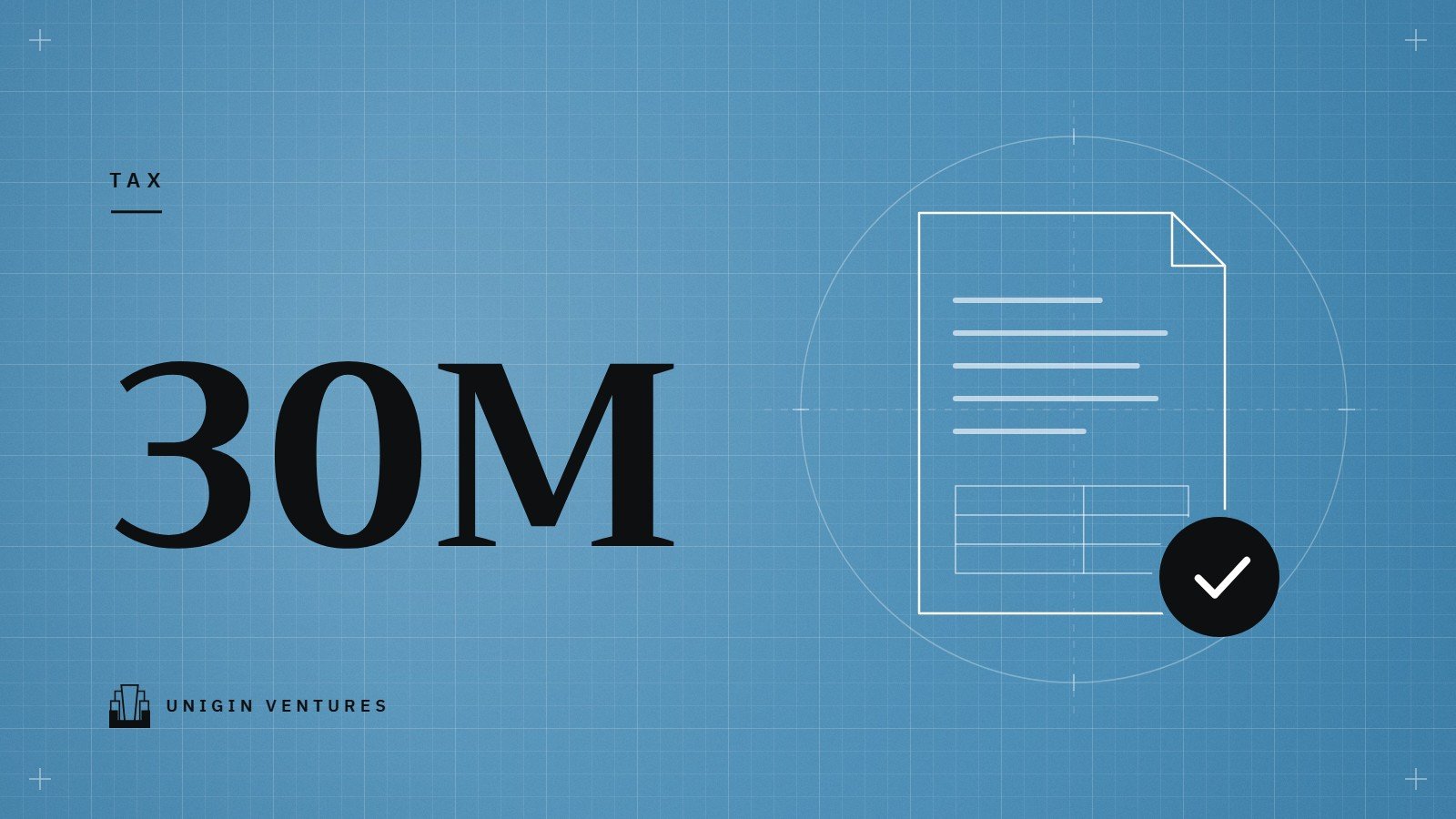
| Suits | VAT-registered businesses with revenue up to 30 million baht a year that issue relatively few invoices | Businesses issuing large volumes, with an IT team | Businesses that want the full system without building it |
| Documents | Tax invoices, debit notes, credit notes | Tax invoices, debit and credit notes, and receipts | Tax invoices, debit and credit notes, and receipts |
| File format | PDF/A-3, one invoice per file | XML to the ETDA standard ขมธอ.3-2560 | Handled by the provider |
| Electronic certificate (CA) | Not needed | Required | Depends on the service |
| Main cost | Uses the government system | Certificate and system development | Service fees under contract |
The Revenue Department describes the time stamp system as a way for small businesses to get used to electronic documents before moving to the full system, which makes it a sensible starting point for most SMEs. Its main limit is that it cannot issue e-receipts. If you issue a lot of receipts, or are not VAT-registered, look at the full-system options.
Getting started with the time stamp option
- Apply online through the time stamp tax invoice page on the Revenue Department website, and verify your identity as the department requires.
- Register the email address you will send invoices from. Once the department has listed your business, you must register this address before you can issue anything, then wait for a confirmation email from the system. The manual says to contact the department if nothing arrives within two days.
- Prepare each tax invoice as a PDF/A-3 file containing every item required by Section 86/4: one invoice per file, no larger than 3 MB, and not password-protected. Many accounting programs export PDF/A-3, and the Revenue Department's manual points to a free converter published by ETDA.
- Send it from the registered address. Put the buyer in the To field (one address only), put csemail@etax.teda.th in CC, attach one file per email, and use the subject format set by the announcement: [issue date][INV][invoice number] for tax invoices, DBN for debit notes and CRN for credit notes, followed by the original invoice number.
- Keep the time-stamped file. The system sends the stamped file back to both seller and buyer. That file is the actual tax invoice. Store it in a form that can be opened later without its meaning changing.
If an invoice is wrong in an essential detail, do not edit the original file. Issue a new invoice with a new number, state that it replaces the earlier invoice by number and date, and note the cancellation in the output tax report for the month of the new invoice. If a customer loses the file, resend the original stamped file. No replacement invoice is needed.
How the full system differs
The full e-Tax Invoice & e-Receipt system covers both tax invoices and receipts, but involves more steps.
- You need an electronic certificate from a provider accredited under Thailand's National Root CA (NRCA). Certificates cost money and must be renewed.
- You apply (form บ.อ.01) through the Revenue Department's Ultimate Sign & Viewer registration and signing program.
- You prepare XML files to the ขมธอ.3-2560 standard, sign them digitally, deliver them to buyers, and submit the data to the Revenue Department by upload, host-to-host connection, or through a service provider.
Most SMEs that choose this route use a service provider or an accounting program that is already connected, so they do not have to build the data exchange themselves. Before signing, ask whether fees are per document or flat, who holds the certificate, and how you get your historical data out if you leave.
Is it worth it?
Benefits
- Customers get the invoice the day you issue it. Many customers record the payable and start counting payment terms from the day they receive the document, so faster delivery often means faster payment.
- Less paperwork. No printing, no postage, no binders, and past documents can be found in seconds.
- Some individual customers need these documents. The Easy E-Receipt tax deduction measures in early 2024 and early 2025 applied only to purchases backed by an e-tax invoice or e-receipt. If similar measures return, shops that cannot issue electronic documents lose out. Whether and when they run, and on what terms, is announced round by round by the government and the Revenue Department.
- Easier audits. Changes made after issue can be detected, which helps both with your auditor and with investor due diligence.
- A double deduction for system costs. Royal Decree No. 766 (2023) lets companies and juristic partnerships deduct 200% of their investment in, and service fees for, e-Tax Invoice & e-Receipt systems paid from January 1, 2023 to December 31, 2025. On June 16, 2026 the Cabinet approved a draft extending the measure to cover January 1, 2026 to December 31, 2027. Before claiming it, check that the new decree has been published in the Royal Gazette, and ask your provider whether your costs qualify.
Costs and changes
- Electronic certificate, software or service fees (the time stamp option needs no certificate).
- Accurate customer email addresses become core master data.
- Internal steps change: who issues, who checks before sending, and how errors are corrected, because an issued document cannot simply be deleted.
- Some customers may still want paper, so you may run both for a while.
Common mistakes with the time stamp option
- Sending from an email address that is not registered with the Revenue Department.
- Attaching several files to one email, or putting several buyers in the To field.
- Sending an ordinary PDF instead of PDF/A-3, or a password-protected file.
- Using a subject line that does not follow the required format or order.
- Forgetting to CC csemail@etax.teda.th, so the file is never stamped and is not an electronic tax invoice.
- Growing past 30 million baht in revenue without a plan to move to the full system.
Where to start
- Count how many tax invoices and receipts you issue each month, whether your customers are companies or individuals, and whether you need to issue receipts too.
- If revenue is under 30 million baht and volumes are modest, start with the time stamp option and try it with a few regular customers first.
- Ask your accounting software provider whether it exports PDF/A-3 or connects to the full system before buying anything new.
- Write a one-page internal procedure: who issues, who checks, how corrections work, and where files are stored.
- Have your accounting firm or auditor review the document format before you go live.
Revenue Department rules and channels change from time to time. This article reflects the position as of September 2026. Check the latest conditions on the Revenue Department website before you start.
Sources
- Time stamp tax invoice application system, Revenue Department (in Thai)
- Revenue Department announcement on preparing, sending and keeping tax invoices by time stamp, Royal Gazette, June 29, 2023 (in Thai)
- Operator manual for time-stamped tax invoices, Revenue Department (in Thai)
- Overview of e-Tax Invoice & e-Receipt, Revenue Department (in Thai)
- Ultimate Sign & Viewer registration and signing program, Revenue Department (in Thai)
- Q&A on the Easy E-Receipt measure (2024), Revenue Department (in Thai)
- Q&A on the Easy E-Receipt 2.0 measure (2025), Revenue Department (in Thai)
- Royal Decree No. 766 (2023) on tax exemptions, Revenue Department (in Thai)
- Press release 14/2569 on extending electronic tax incentives, June 16, 2026, Revenue Department (in Thai)